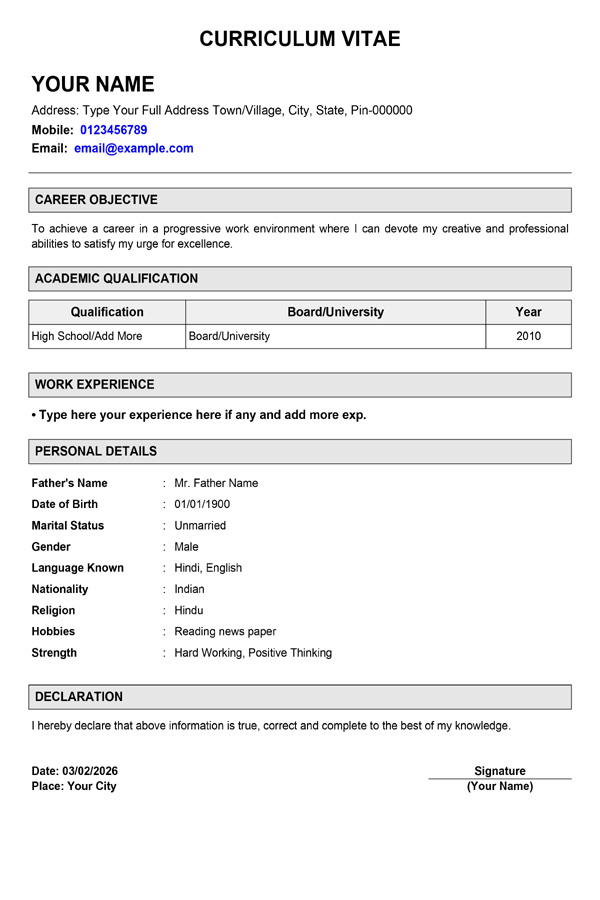
Simple Resume Format
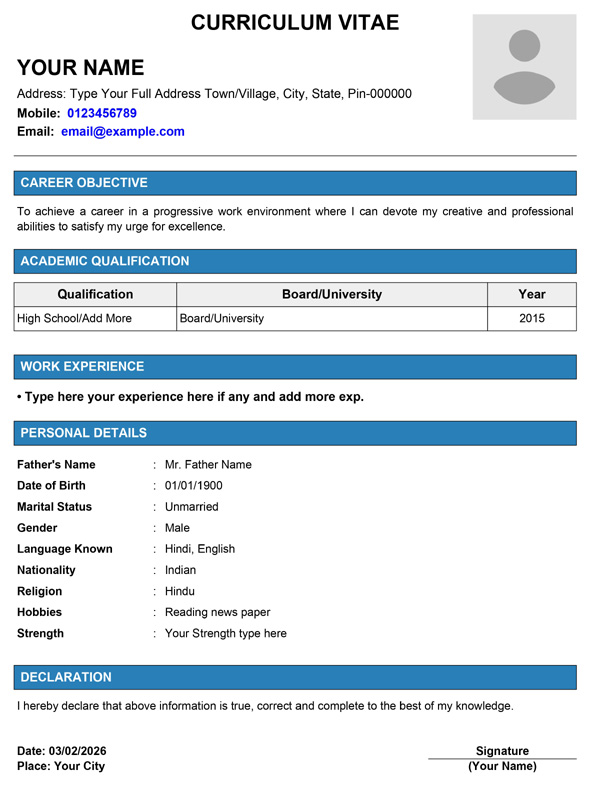
Modern Blue Photo
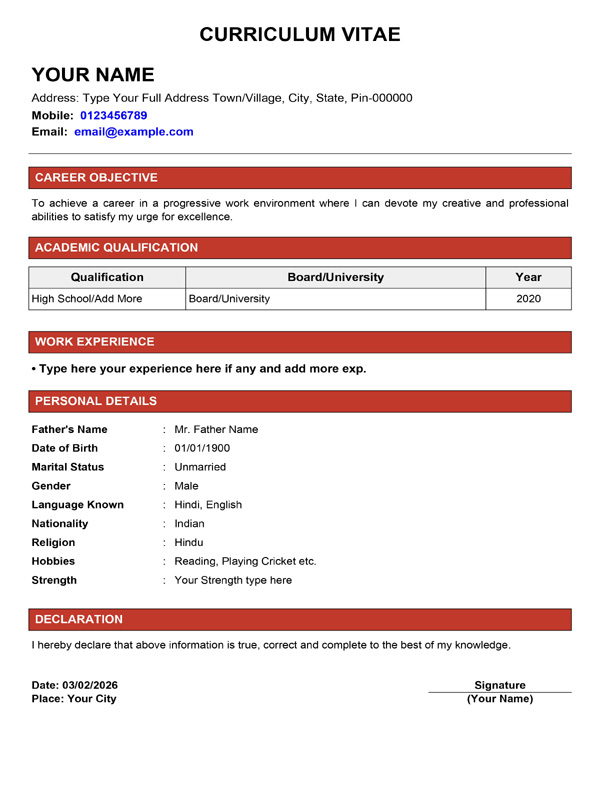
Simple Red Pro
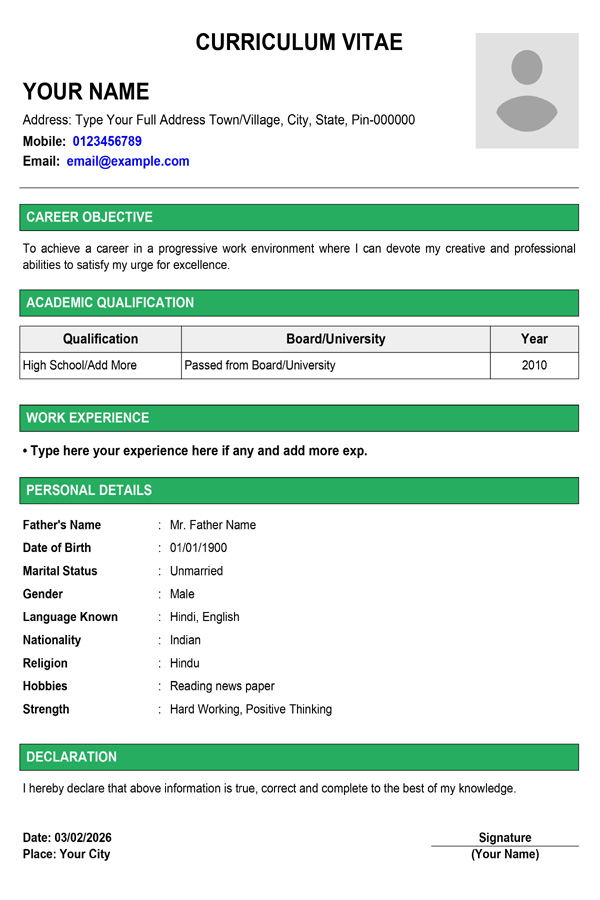
Modern Resume
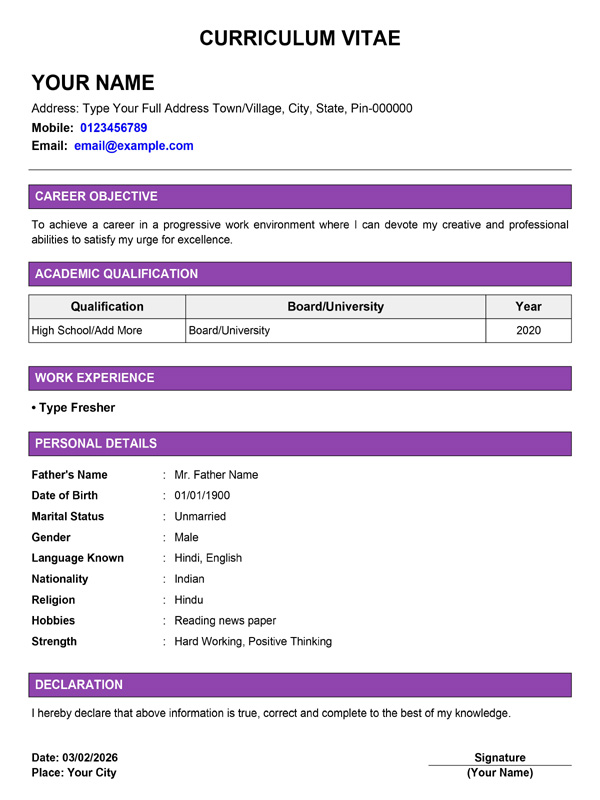
Fresher Simple Purple
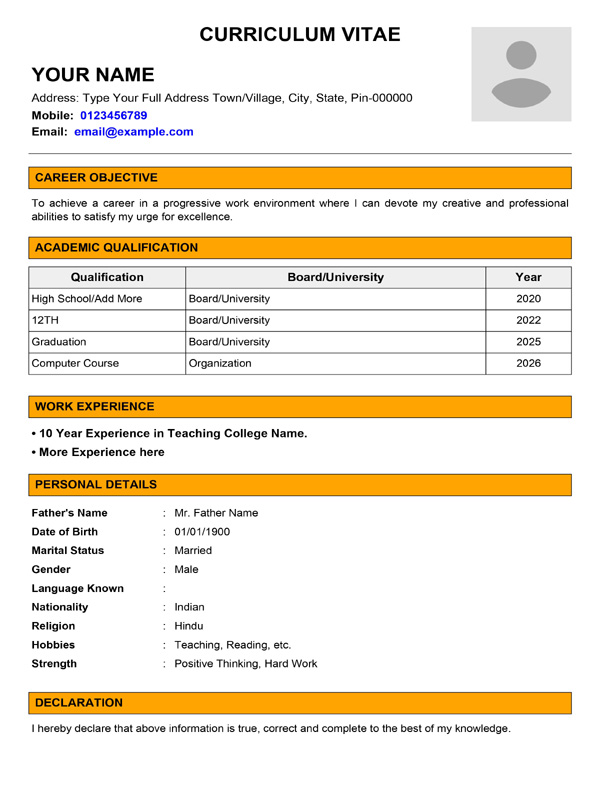
Teacher CV With Photo
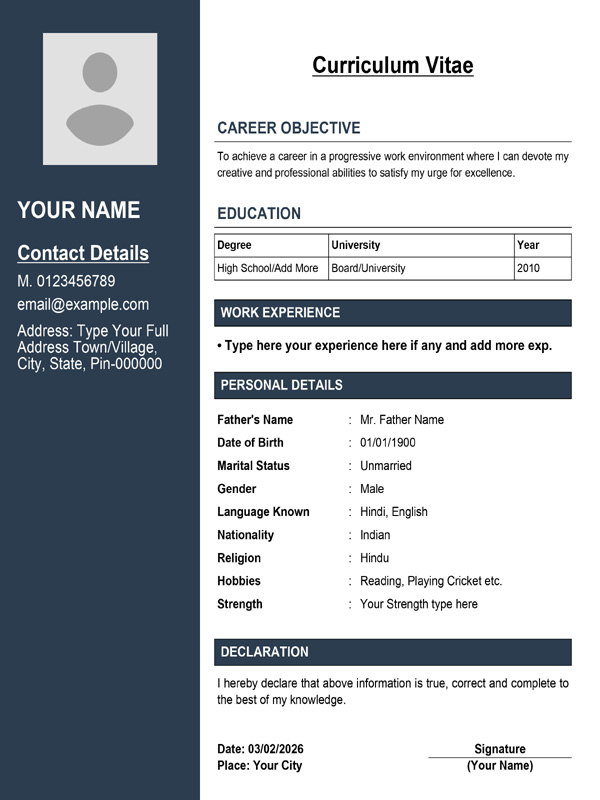
Sidebar Pro Resume
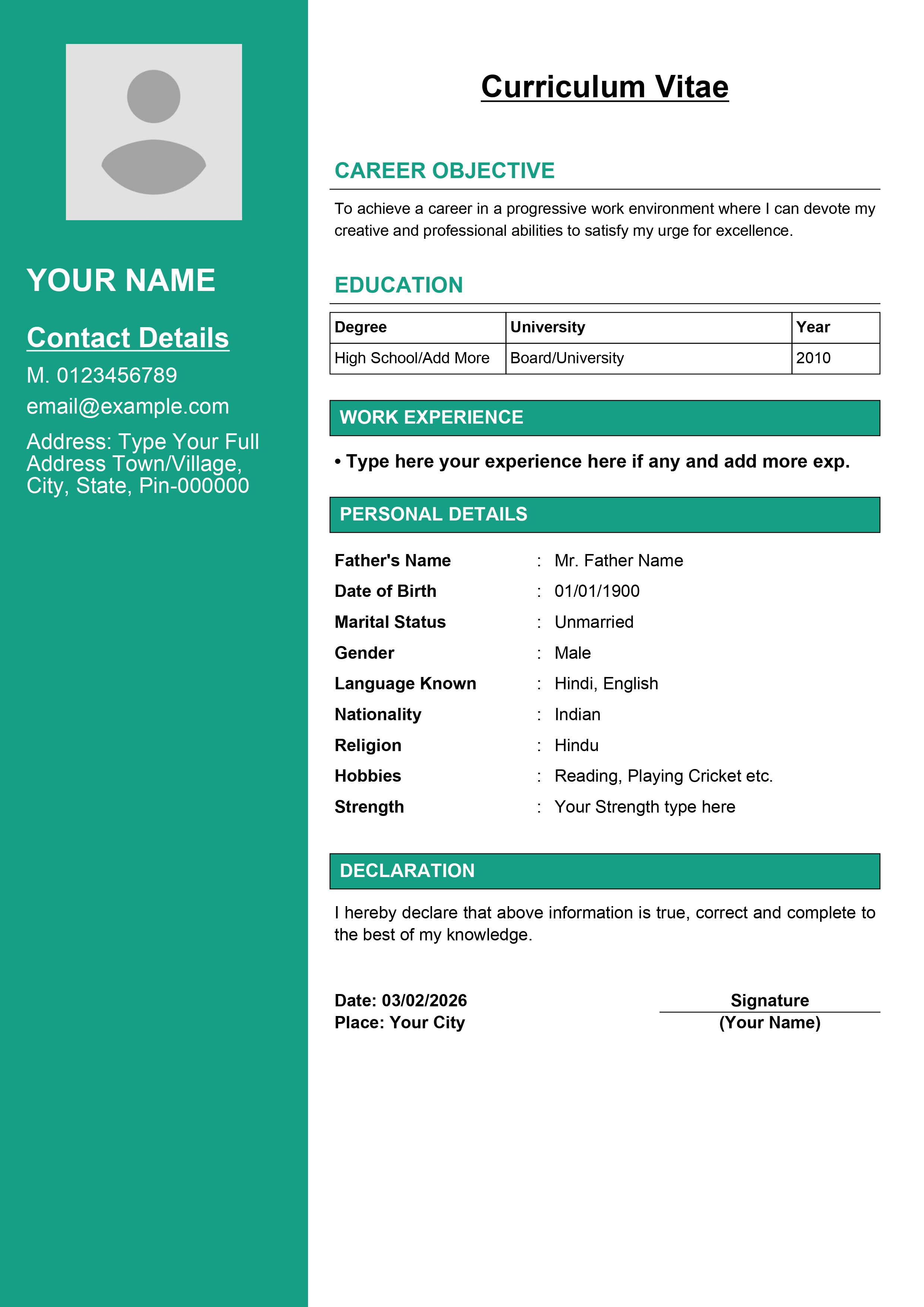
Creative Teal Pro
Build a Professional Resume / CV Online for Free
Landing your dream job starts with a perfect resume. Whether you are a Fresher applying for your first internship or an Experienced Professional looking for a switch, the MyLoveTools Resume Builder helps you create an ATS-friendly Curriculum Vitae (CV) in minutes.
Most modern resumes require a professional headshot. Don’t upload a selfie! Use our Passport Photo Maker to create a formal photo for your CV.
How to Create a Resume Online?
- Step 1: Contact Info: Enter your Name, Mobile, Email, and LinkedIn profile link.
- Step 2: Add Details: Fill in your Education, Work Experience, Skills, and Projects. Tip: Use bullet points for readability.
- Step 3: Download PDF: Choose a clean template and click “Download”. Your resume is ready to be emailed to HR.
Why Use Our Resume Builder?
- ATS Friendly: Our templates are designed to be easily read by Applicant Tracking Systems (ATS) software used by big companies.
- Fast & Free: No login required. No hidden charges. Just fill, build, and download.
- File Size Optimized: Job portals often limit upload sizes (e.g., under 2MB). If your resume PDF is still too heavy, use our PDF Compressor Tool to fix it.
Frequently Asked Questions (FAQs)
Q: What is the difference between Resume and Biodata?
A Resume is a summary of your professional skills and experience for jobs. A Biodata focuses more on personal details (like physical attributes, religion, family) often used for marriage. Need a marriage profile? Use our Biodata Maker Tool.
Q: Should I include a photo in my resume?
For modern corporate jobs, it’s optional. However, for acting, modeling, or customer-facing roles, it is recommended. Ensure the photo is professional.
Q: I want to list my typing speed as a skill?
Great idea! Mentioning your exact WPM adds credibility. You can check your current speed using our Typing Speed Test and add the result to your CV.